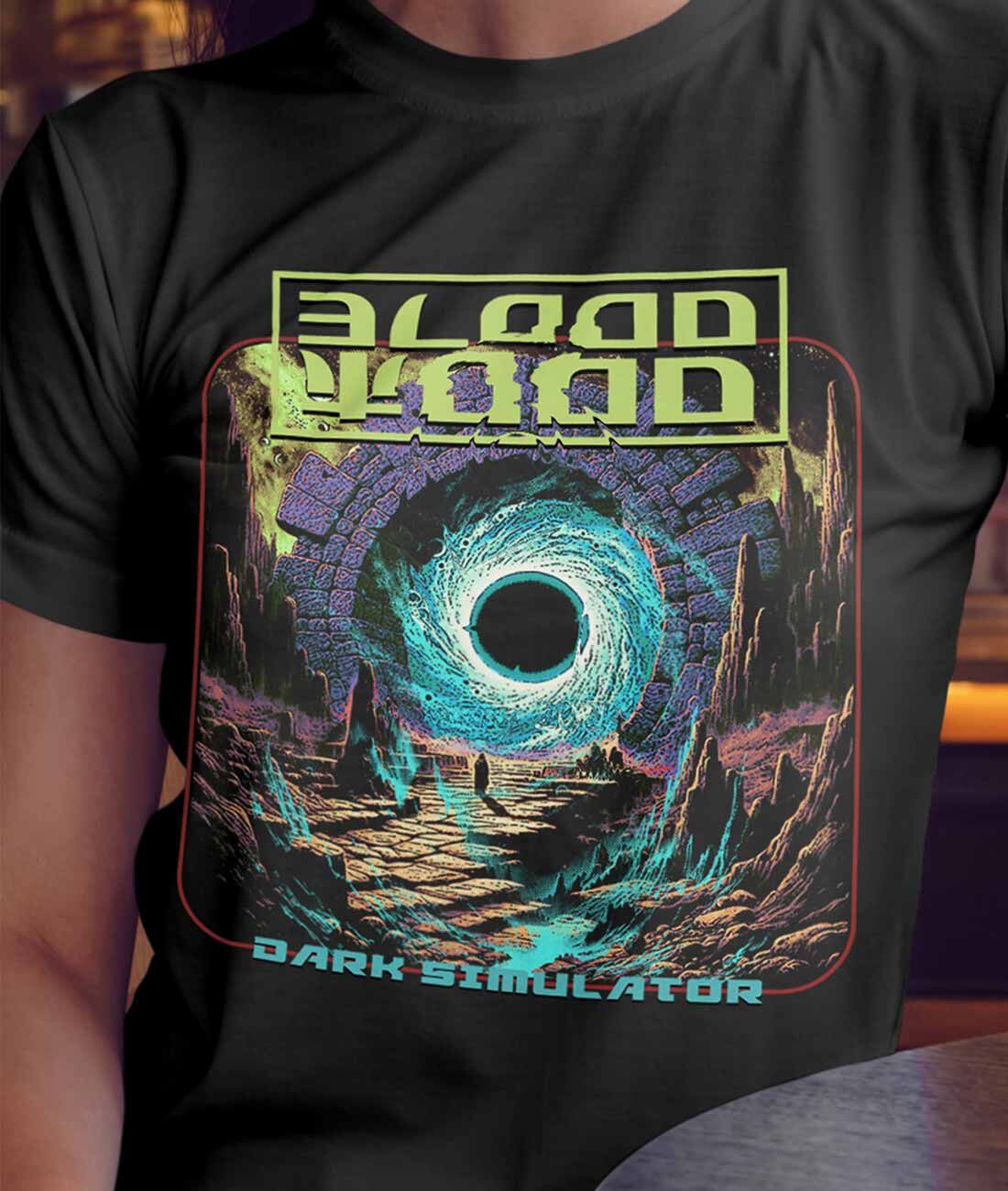
1. ARTWORK – Design your Artwork by using any software available to you (Photoshop, Illustrator… or any other software that is now available.
2. SIZE – Size is very important, so we teach people to create their designs on a template that is at least 12″ to 14″ wide at 300DPI. DPI means Dots per Square Inch. If you create it too small and then we have to enlarge it – it will pixilate and then look grainy and distorted.
3. TRANSPARENT BACKGROUND – When you have created your amazing design, make sure the background (that is the section behind your design in the template that does not need printing) is Transparent. That means no colour layers or colour of any sort is present – only your design exists. Sometimes the transparent background appears as small squares with alternating colour like a chess board. Those are actually transparent – so don’t worry.
4. COLOUR BLACK – Colour Tip for BLACK. We always suggest that if you do not need to print any black, then remove the black from the image. Also, if you have black in your design and you are printing on a black tee - then remove the black.in the deisgn and let the shirt black replace what normally would have been black ink. Its the best way to get a great print.
5. PNG FILE – Okay, you are happy with your design and now it’s time to save the file. The best final format is what we refer to as a PNG File. There are many options that the save function can accommodate, but the PNG is universal, large, exact and at 14″ Wide and 300DPI – its a super quality file that our printers love. So when you save it, do not shrink the size – keep it as it is.
6. FINAL DESIGN – Now email us the file and we will do the rest! If there are any issues, we will call you and explain how best to rectify any issues that may cause a bad print. Most of the time, we can fix them at our end. But if you are the kind of person that wants to talk to us – then send us a note via our contact form Contact Us Page and say “hello!!!! can we speak?” and we will call you and have a great chat about your ideas.
7. TALK – Or – if you are pretty amazing and have everything, or even want to chat – then just email us at thetshirtmerchant.com.au
8. THE FOLLOWING IS ALSO VERY IMPORTANT TO REMEMBER:
9. QUALITY – Always make sure you have high quality artwork/images – PNG if possible, but we do work with JPG and GIF – but extra work is required on these. And remember, if you have not cleaned up your background, we will have to do this – which will be charged accordingly.
10. SPECIAL REQUIREMENTS – Our print areas are fixed for convenience in the Design Your Own T-Shirt page, but if its a special placement – always tell us in the notes section of the order and we will attend to that for you. EG – Please print 5cm down from the rear neckline.
11. SPECIAL MOCK UPS – In this modern world of technology, your screen will make the design look amazing!!!!! but just remember, we are printing on fabric, so screen verses real life are different… still amazing, but just be aware. And we are always happy to do a single Mock Up Print for you so you can check placement and colours, as the colour you select on the screen, may alter slightly when finally applied to the fabric. There is a minimul cost for this service.
12. TOO THIN – When a design is very thin, small, whisper light, the ink content is so small for those areas that it may not translate in applying enough ink. Try to make them thicker, or add a stroke to thicken the lines.
13. OPAQUE OR HALOS – The DTF process which is the primary printing method is not suitable to transparent or opaque images – we recommend solid colours, as these will turn out amazing!! The majority of the products you see on this site have all been printed using the DTF method.
14. OTHER APPAREL – The above process is also perfect for Stubby Holders, Tote Bags, Fighting Shorts, Jeans and other Apparel!